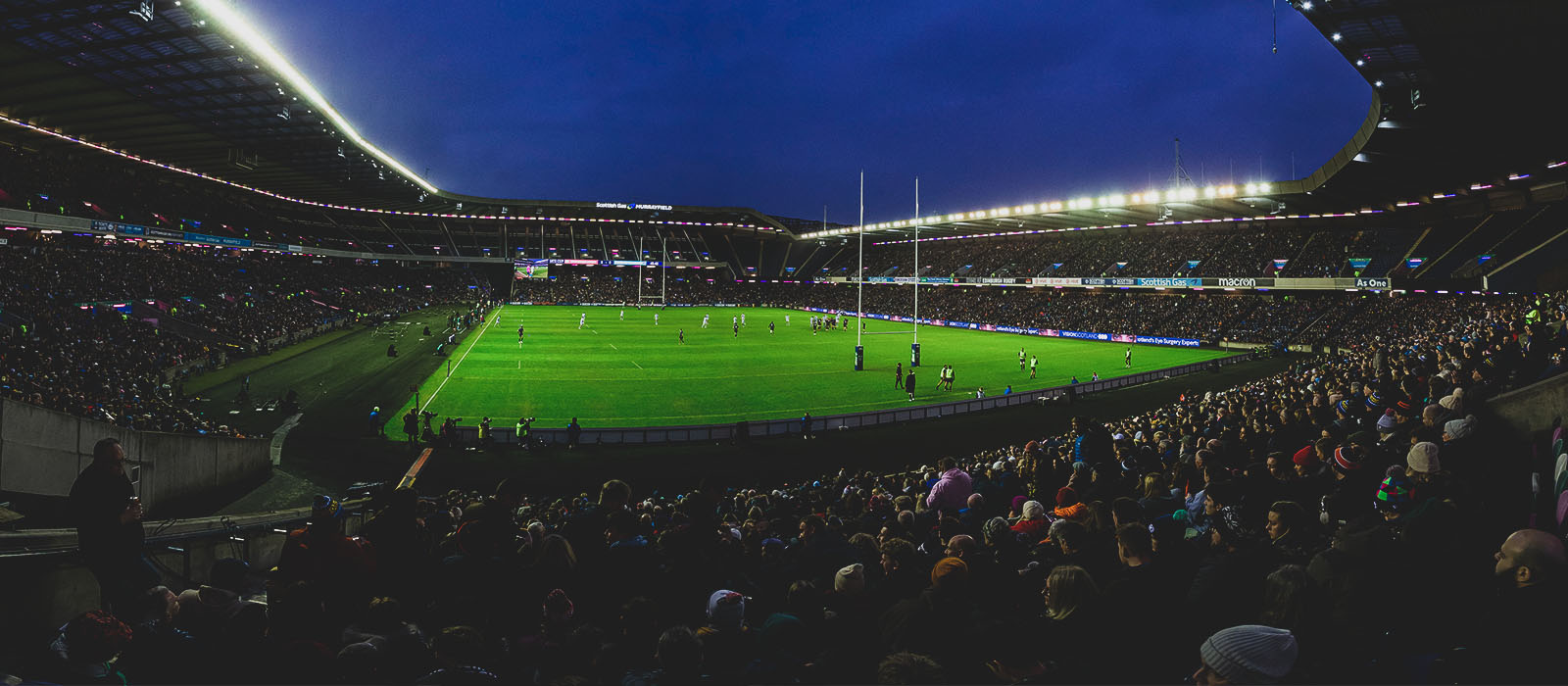
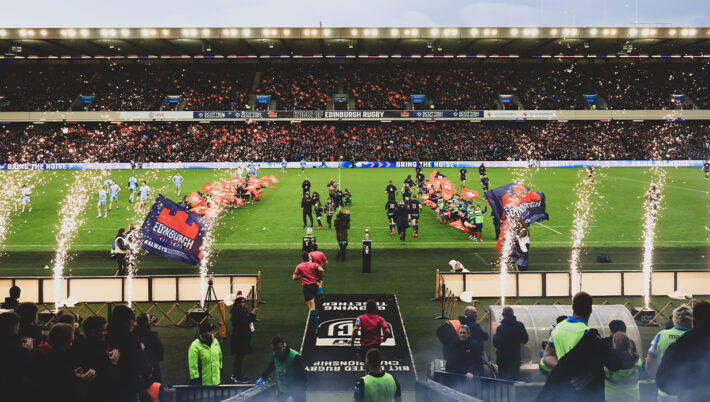
Fans are invited to welcome the teams to the pitch by participating in the Light Show, which is set to music and powered by the mobile phones of those in attendance.
How to participate
In order to participate, match-goers simply have to download the Stadium FX app on their mobile device before the fixture. The app is available for all Apple or Android users via the links below.
Once the Stadium FX app has been downloaded, the technology does not require cellular service, Bluetooth, or an internet connection to work, eliminating any potential connectivity issues on matchday.
Step by step guide on how to take part
- Download ‘Stadium FX’ app for iOS or for Android on your mobile phone before arriving at Scottish Gas Murrayfield
- Accept the ‘Terms of Use’ and ‘Privacy Policy’ when prompted on screen.
- Follow the on-screen prompts to enable microphone and camera permissions in the app.
- Listen out inside the stadium for an announcement that the Light Show is about to begin – this will be just before the teams enter the field, so make sure you’re in your seats early!
- Open the app and point your phone camera towards the pitch. The technology will take care of the rest, with the Stadium FX app synching mobile phone camera lights and screens to the music.
- Fans are encouraged to keep their Stadium FX app open throughout the duration of the light show
Supporters who wish to capture the moment on their mobile phones while not missing out on taking part can do so.
Images and video can be recorded inside the Stadium FX app – simply hit the video or photo buttons at the bottom of your screen and all content will automatically be saved in your camera roll.
Health & safety advisory
Supporters with photosensitive disorders, sensitivities to strobe lighting or adverse reactions to flashing light are advised that they may wish to avoid being within the stadium bowl until the show has concluded.